Software
Better than on day one
New features arrive on your machine by update, at no extra cost.
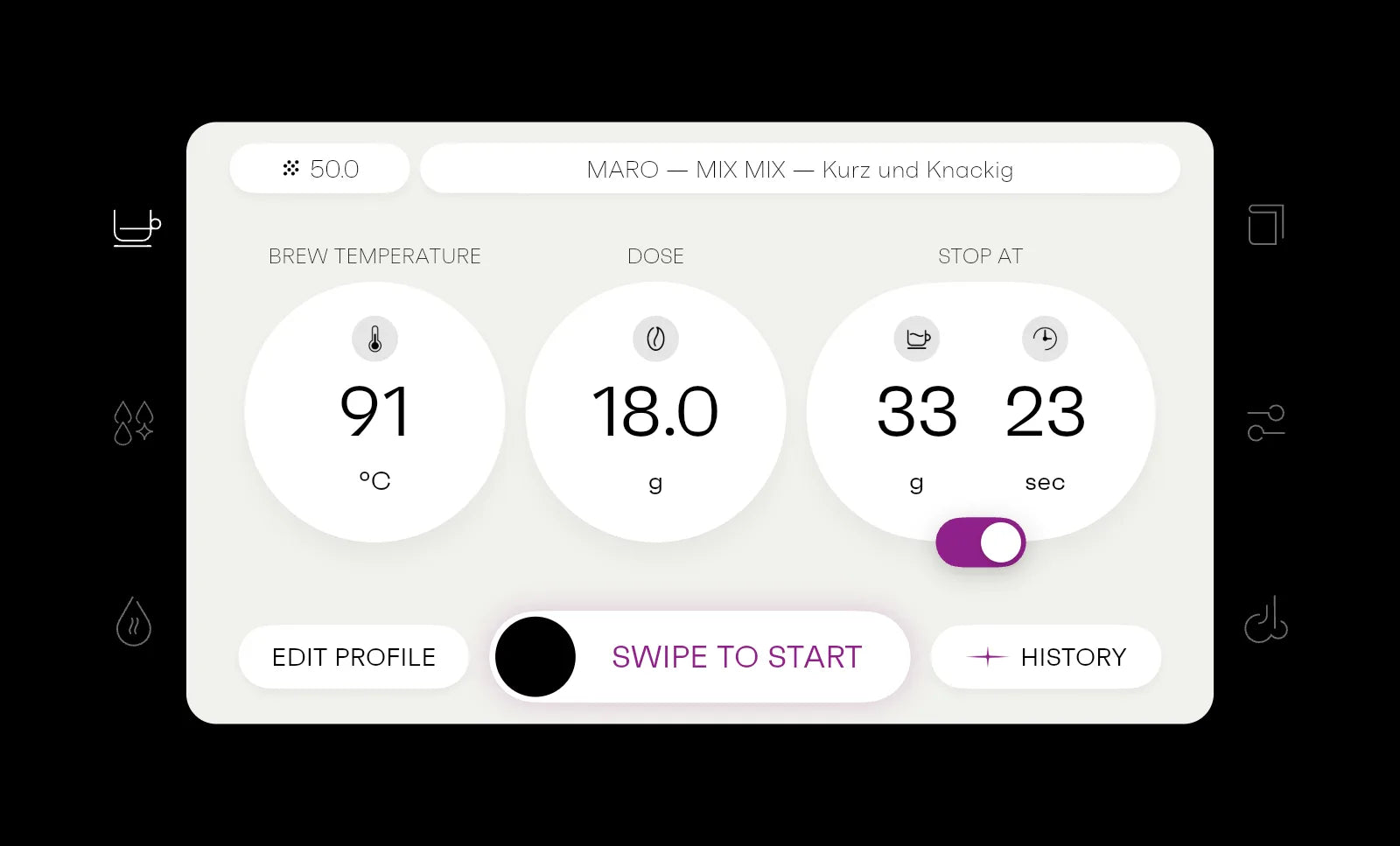
Open the web demoLeitlinie: Visual ist die MARO-Oberfläche, die von Version zu Version morpht (Video). Bis es existiert, ein Bestandsfoto.
Hardware and software
Half of Model 1 is something you can't touch
We develop both: the machine and the software that runs it.
-
Hardware alone: Hardware gets old.
With software: With software, it gets better over the years.
-
Hardware alone: Hardware stays at home.
With software: With software, you share your best shot with others.
-
Hardware alone: Hardware stays the way it is.
With software: With software, it gains features that didn't exist when you bought it.
-
Hardware alone: Hardware only knows its buttons.
With software: With software, the controls grow with you.
Updates
What came after the purchase
Every one of these updates reached machines that were already in people's kitchens. Much of it was requested by the community in our forum.
All changelogs in our forum (in German)Quellen (Stand 2026-11-03): Changelogs im Forum (t/309) und Update-Videos auf YouTube (@marocoffee), Datum = Erscheinen des Update-Videos. Mit 2.2 einen neuen Block oben anlegen, den aeltesten entfernen.
-
Version 2.1August 2026
Extreme editor and dark mode
Arrived two months after 2.0. In Extreme Mode you now see when each stage ends, and you can move stages around.
More from version 2.1
- Extreme Mode editor with clearer stages, visible exit conditions and profile descriptions that make sense
- Move stages and delete them more easily
- Dark mode and new lock screens: Forest, Cappuccino and Summer
- Faster descaling
- More reliable recommendations from Grind Analyzer and Smart Profiler
- Switch off straight from standby
- Optional unlock with a single tap
- Presets for steam duration and intensity
- Coffee diary with “Recently brewed” and “Most brewed”
- Pin profiles for quick access
- Search for coffees, roasters and profiles, with suggestions as you type
-
Version 2.0June 2026
Our biggest update yet
Model 1 now remembers the grind size for every recipe, as many had asked for in the forum. And if a shot from three weeks ago was better, you take its recipe as your starting point again.
More from version 2.0
- Coffee diary as a list, with search, sorting and a history across all shots
- Read shot curves with your finger and flip between shots
- Change grind size, yield and rating afterwards
- Grind size per recipe, with a note on the start screen while a recommendation is open
- Recipe history: every change to a recipe is recorded, such as temperature or grind size
- Take earlier shots as a starting point again
- Save profiles as templates, rename and delete templates
- Import via MARO HOME code with the fields already filled in
- Connect to MARO HOME with a QR code
- New switch-off dialog
- Rebuilt under the surface so updates arrive faster
-
Version 1.8February 2026
Three more scales
In January someone asks in the forum whether the DiFluid scale works with Model 1. By early February it does, along with scales from Decent and Eureka. And the interface now comes in English too.
More from version 1.8
- Scales from Decent, Eureka and DiFluid
- More accurate with a scale and a double-spout portafilter
- Interface in English
- From 1.7: disturbances in weighing during a shot are detected more reliably
- From 1.6: grind size with two decimal places
-
Version 1.5July 2025
MARO HOME
Since then you can see your shots on a laptop or phone too, compare them with others and share the good ones.
More from version 1.5
- Analyse and compare shots in MARO HOME
- Share shots with others
- Load other people's recipes onto your own machine with a code
- The rinse button blinks after a shot to remind you to rinse the group head
-
Version 1.4May 2025
The virtual scale learns
If more or less ends up in the cup than planned, you enter the real weight after the shot. Model 1 adjusts the next shots to match.
More from version 1.4
- Virtual scale more reliable and more accurate, with feedback after the shot
- “Next Stage” button in Extreme Mode: jumps to the next phase of a recipe
- Hot water can be paused and stops when the tank runs dry, then continues once you refill it
-
Version 1.2December 2024
A curve after every shot
After each shot, Model 1 shows it as a chart. And after more than five seconds of steam the button blinks: tap twice and the wand purges itself for two seconds.
More from version 1.2
- Shot chart after brewing and in the profile history
- System check after switching on and after refilling the tank
- Steam with elapsed time and a timer
- Steam wand reminder and automatic purge, can be switched off
- Virtual scale more reliable with complex profiles
- Grind feedback can be switched off

MARO HOME
You don't start from scratch
Load recipes from roasters and the community onto your machine with a code.
Go to MARO HOMEBild fehlt: MARO HOME im Einsatz, Screens aus Software 2.x (docs/MARO_HOME_RECHERCHE.md, Abschnitt 10.6).
Web demo
Try it yourself
The Model 1 interface in your browser, no sign-up needed. Pull a shot and then look at the extraction curve.
Best on a laptop or tablet. On a phone, turn it sideways.
Demo läuft noch unter der Azure-Adresse. Vor dem Live-Gang eigene Domain klären; der Link steht hier und im Hero.